Account settings and security
Update your details, change your password, and review logins.
Vendor settings has three tabs.
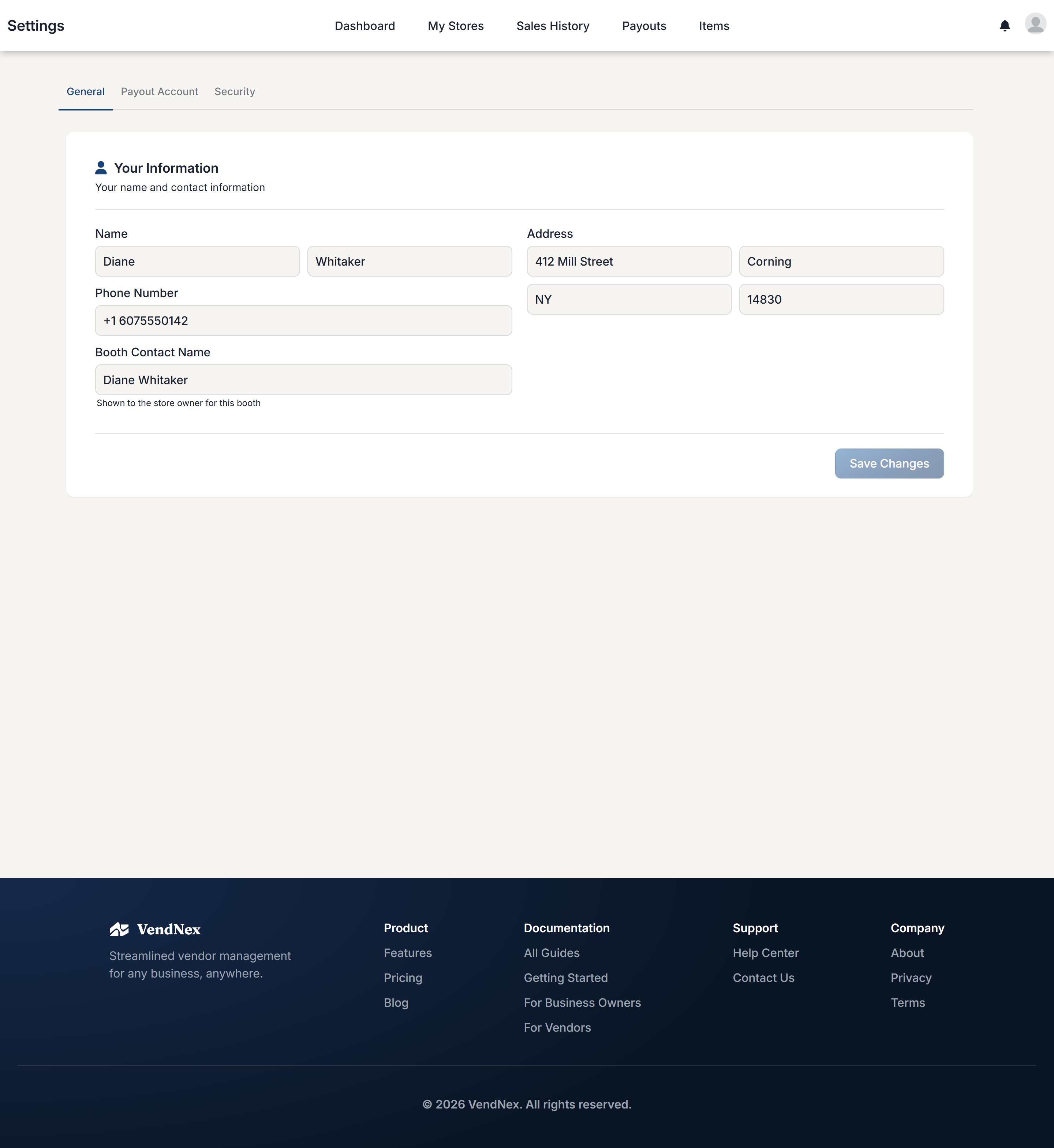
General
Your name, phone number, and address, plus a Booth Contact Name — the name shown to the shop owner for your booth. Update these and click Save Changes.
Payout Account
Connect or update your bank account or debit card. See Getting paid.
Security
Change your password, and review recent login activity so you can spot sign-ins you don't recognise. There's also an auto-logout option that signs you out after 30 minutes of inactivity — worth turning on if you use a shared computer.
What other people can see
Shop owners see your contact details and your sales at their own shop. They can't see your sales at any other shop, and other vendors can't see your figures at all.