Getting paid
Connect a bank account or debit card so shops can pay you through VendNex.
If a shop pays vendors through VendNex, you need a payout account connected before they can send you anything.
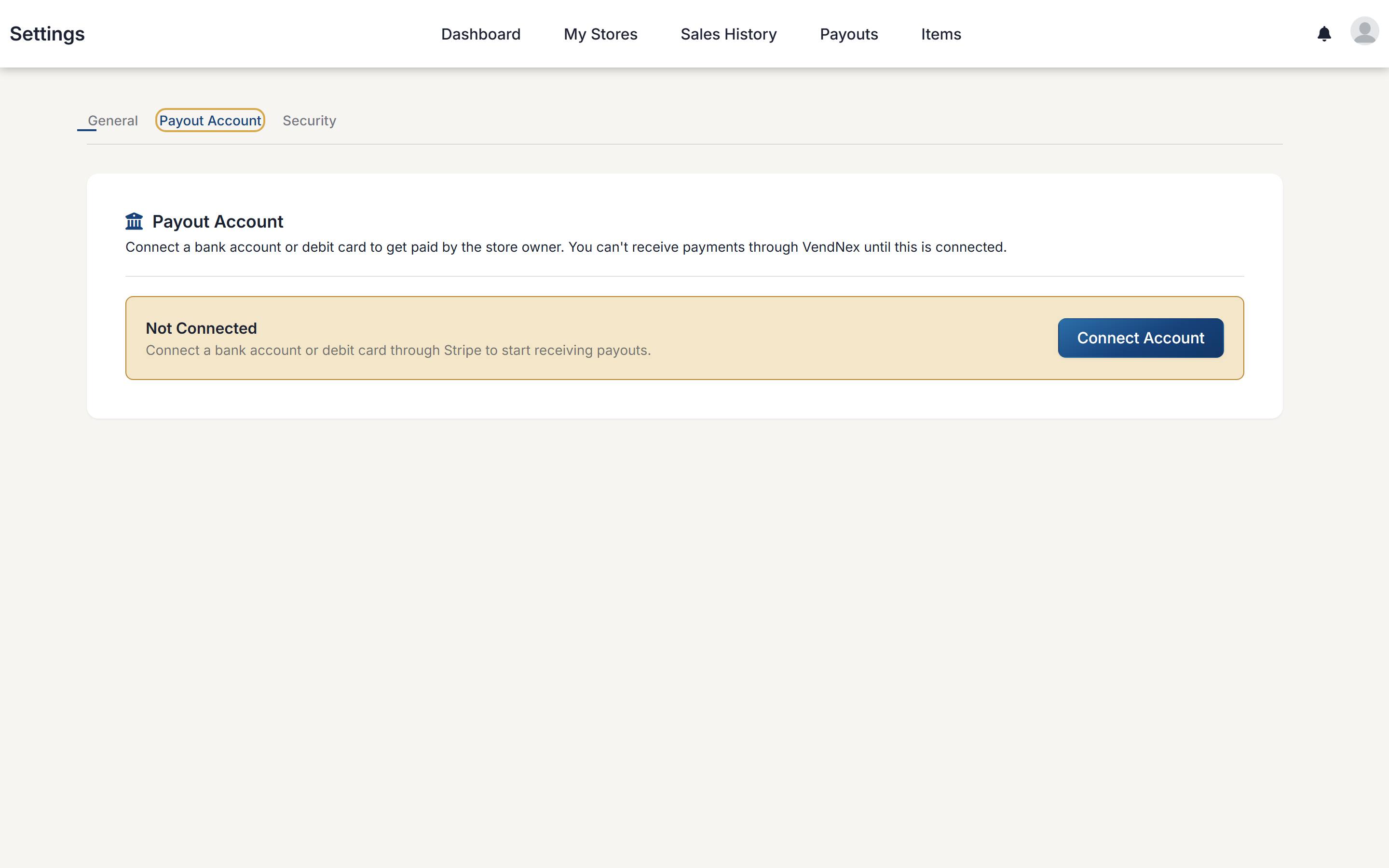
Connecting your account
Go to Settings → Payout Account and click Connect Account. You'll be taken to Stripe to create your payout account. Expect to enter your bank details and confirm your identity (name, date of birth, and tax ID), so have them handy — it takes a few minutes.
Stripe verifies new accounts before releasing money. Your first payout to your bank can take a week or more to arrive; after that, transfers normally arrive within a couple of business days. VendNex may show a payment as sent before it reaches your bank — that's Stripe's processing time, not a missed payment.
Why it goes through Stripe
Payouts are handled by Stripe, which is the same infrastructure used by a large share of online businesses. Your bank details are entered on Stripe's own pages — VendNex never sees or stores your account number or card number. You get your own Stripe account, so you can also see your balance and payouts by signing in to Stripe directly.
Until you connect
Your status shows Not Connected, and shop owners see the same on their end. They can't send you a payment through the platform until it's set up, though they can of course still pay you directly by cash or check.
Changing your details later
Once connected, you can return to the same page to update your bank account or card through Stripe.