Settings reference
What each of the settings tabs does.
Settings is split into tabs. Here's what lives in each.
General
Your store name, address, and contact details; the default sales tax rate used to pre-fill transactions you add by hand, and who the sales tax is paid out to (Tax Payout); vendor item approval; the default commission rate and standard fees; custom fees; and the Danger Zone where you can permanently close your account.
Integrations
Connect or reconnect Square or Shopify. See Connecting your Square account or Connecting your Shopify store.
Billing & Plans
Your current plan and trial status, usage figures, and the option to change plans. This is also where you'd enter a promo code when subscribing.
Notifications
Choose what you get alerted about — new vendors, vendor payouts, system updates, scheduled maintenance, and security alerts. Quiet Hours lets you set a window where notifications are suppressed.
Security
Change your password, review recent login activity (device, address, and date), and turn on auto-logout after 30 minutes of inactivity.
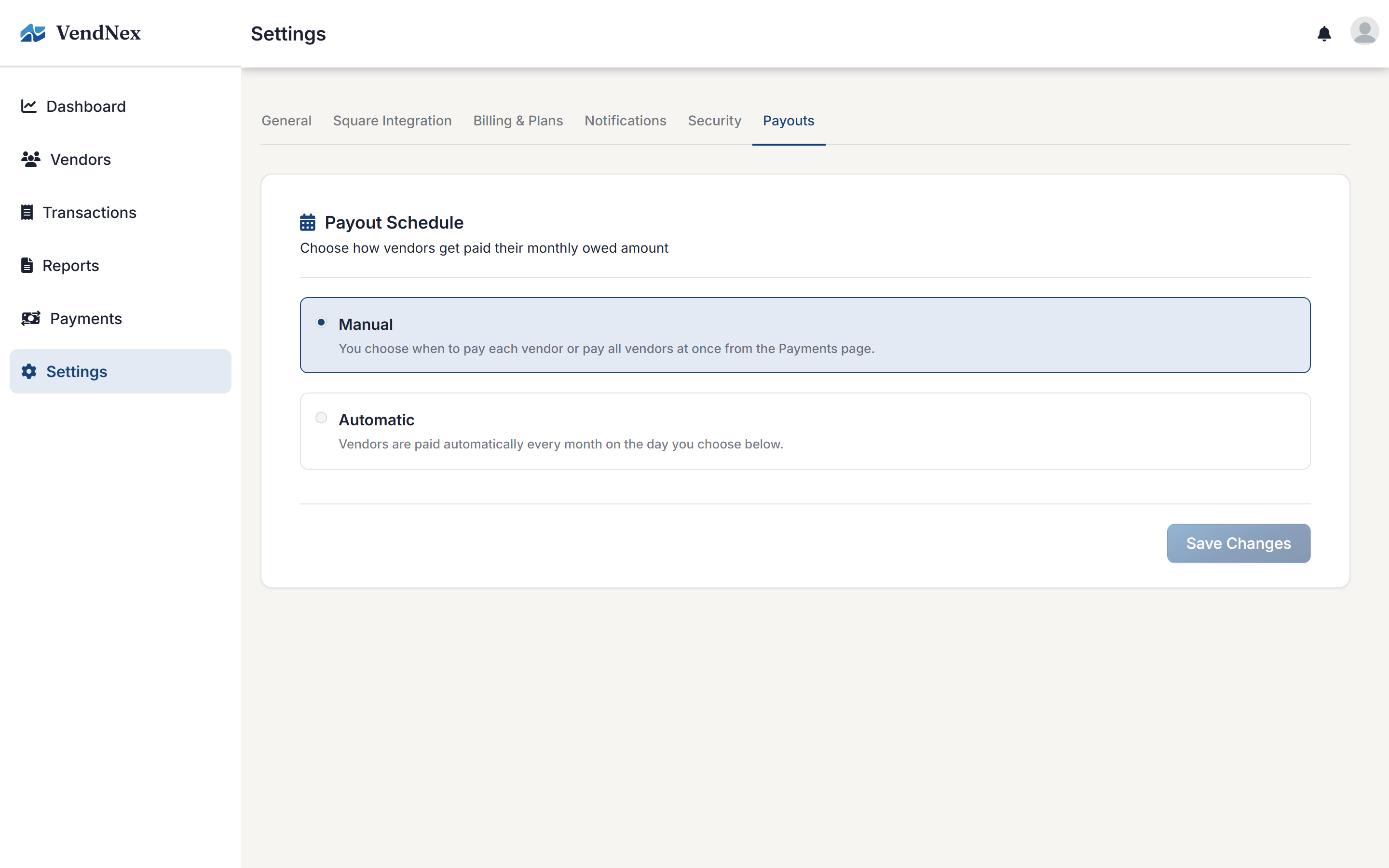
Payouts
Set the Payment Method — the card charged when you pay vendors — and choose manual or automatic payouts and, if automatic, the day of the month they run. You can't pay vendors until a card is set here.