Recording sales by hand
Add a sale manually when it did not come through Square.
Not every sale goes through Square. Cash at the counter, an off-floor sale, a correction after the fact — you can enter these by hand, and they're treated exactly like synced sales in reports and payouts.
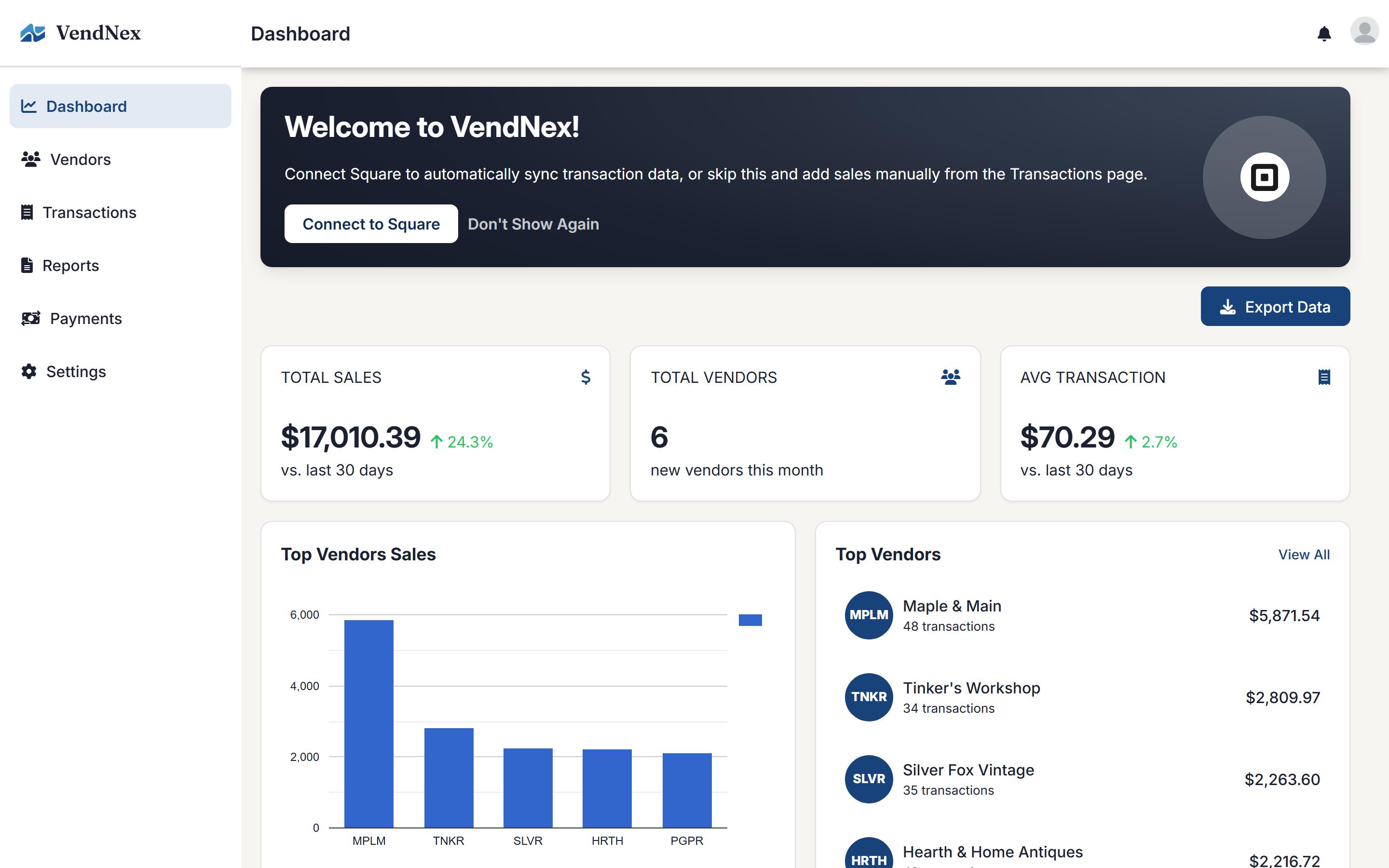
Adding a transaction
Go to Transactions and click Add Transaction.
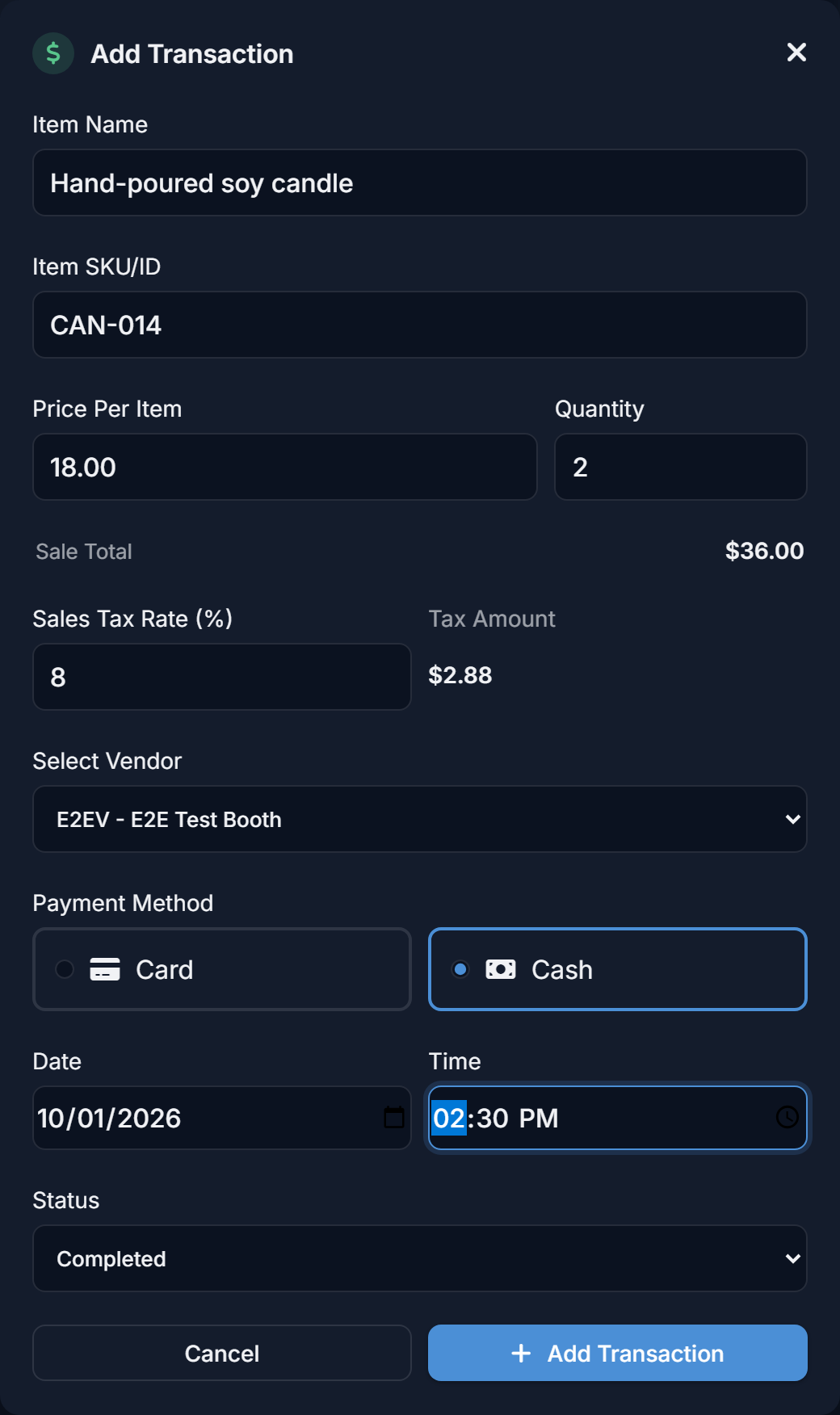
- Item name and item SKU/ID
- Price per item and quantity — selling three of the same item is one transaction with a quantity of 3. The Sale Total underneath updates as you type (price × quantity).
- Sales tax rate — pre-filled from your default rate (see below). The Tax Amount next to it is worked out for you, and you can change the rate for a single sale, for example a tax-exempt item.
- Vendor — which booth gets credit
- Payment method — card or cash. Pick this carefully: custom fees that only apply to card (or only to cash) sales use it. See Commission rates and custom fees.
- Date and time of the sale
- Status — normally Completed
The date matters more than it looks: it decides which month's report and payout the sale lands in, so back-date corrections to the day they actually happened.
Sales tax
Set your usual rate once under Settings → General → Sales Tax and every new transaction starts with it filled in.
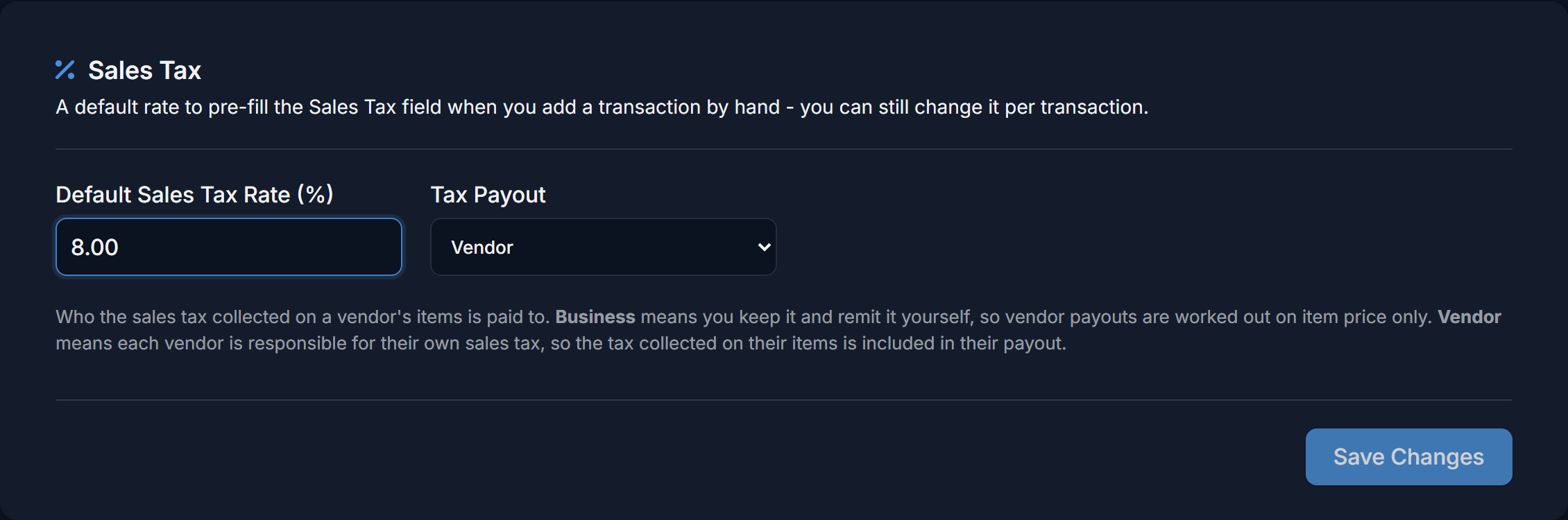
Right next to it, Tax Payout decides who the sales tax collected on a vendor's items belongs to:
- Business (the default) — you keep the tax and remit it yourself. Payouts are worked out on the item price only.
- Vendor — each vendor is responsible for their own sales tax and you're only collecting it for them. The tax collected on their items is added to their payout. It passes straight through: no commission is taken from it, custom fees aren't charged on it, and the VendNex fee isn't charged on it.
Tax is tracked per item, so an order that mixes taxed and untaxed items, or items from several vendors, is split correctly between them. Tax on a refunded item is taken back out too. Sales tax comes from the tax rate on manual transactions and from the tax Square and Shopify record on each item. If your Shopify prices include tax, VendNex strips the tax back out of the price so vendors are paid on the pre-tax amount.
Editing and refunding
Click a transaction to open its details. For sales you entered by hand, Edit Transaction lets you correct the item, amount, vendor, payment method, date or status. Issue Refund returns some or all of the items — if the sale had a quantity of more than one, you choose how many were returned, and you can refund the rest later. The refund is recorded on the transaction, and the refunded amount (and the sales tax on it) is taken out of the vendor's sales, commission, fees and payout.
Synced Square and Shopify sales can't be edited here; make those changes in Square or Shopify and they'll sync across.
Filtering
You can filter the list by vendor and by period (This Month, Last Month, This Year, Last Year, All Time). The totals at the top right update to match the filter.
If you don't use Square at all
That's a perfectly normal way to run VendNex. Everything — reports, commissions, payouts, the vendor portal — works from manually entered sales.