Sales history
Look through every individual sale.
Sales History is the itemized list of everything you've sold.
What you get
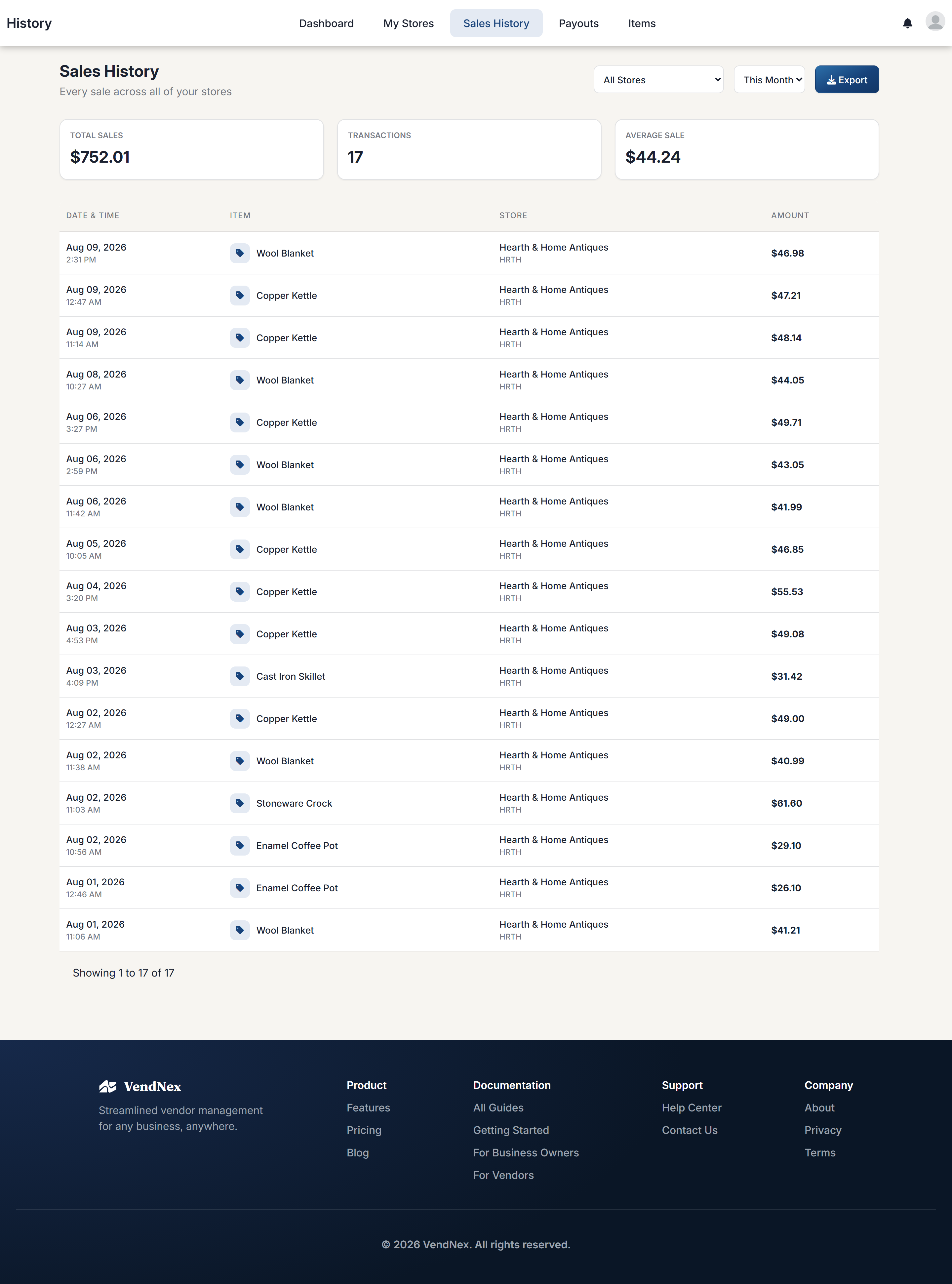
Summary cards at the top show total sales, transaction count, and average sale for the period you've selected. Below that, each sale is listed with its date and time, item, store, and amount.
Filtering
Filter by store and by period. If you sell at several shops, filtering by store is the quickest way to compare how each location is doing.
Exporting
Export downloads the filtered list — useful at tax time or for your own records.
If a sale is missing
Sales come from the shop's system. If something you know sold isn't listed, it usually means the item wasn't assigned to your vendor code at the shop. Ask the owner to check the item assignment rather than assuming the sale was lost.