Payouts and what you are owed
Understand your net payout and see payment history.
The Payouts page turns your sales into the number that actually matters: what you're getting paid.
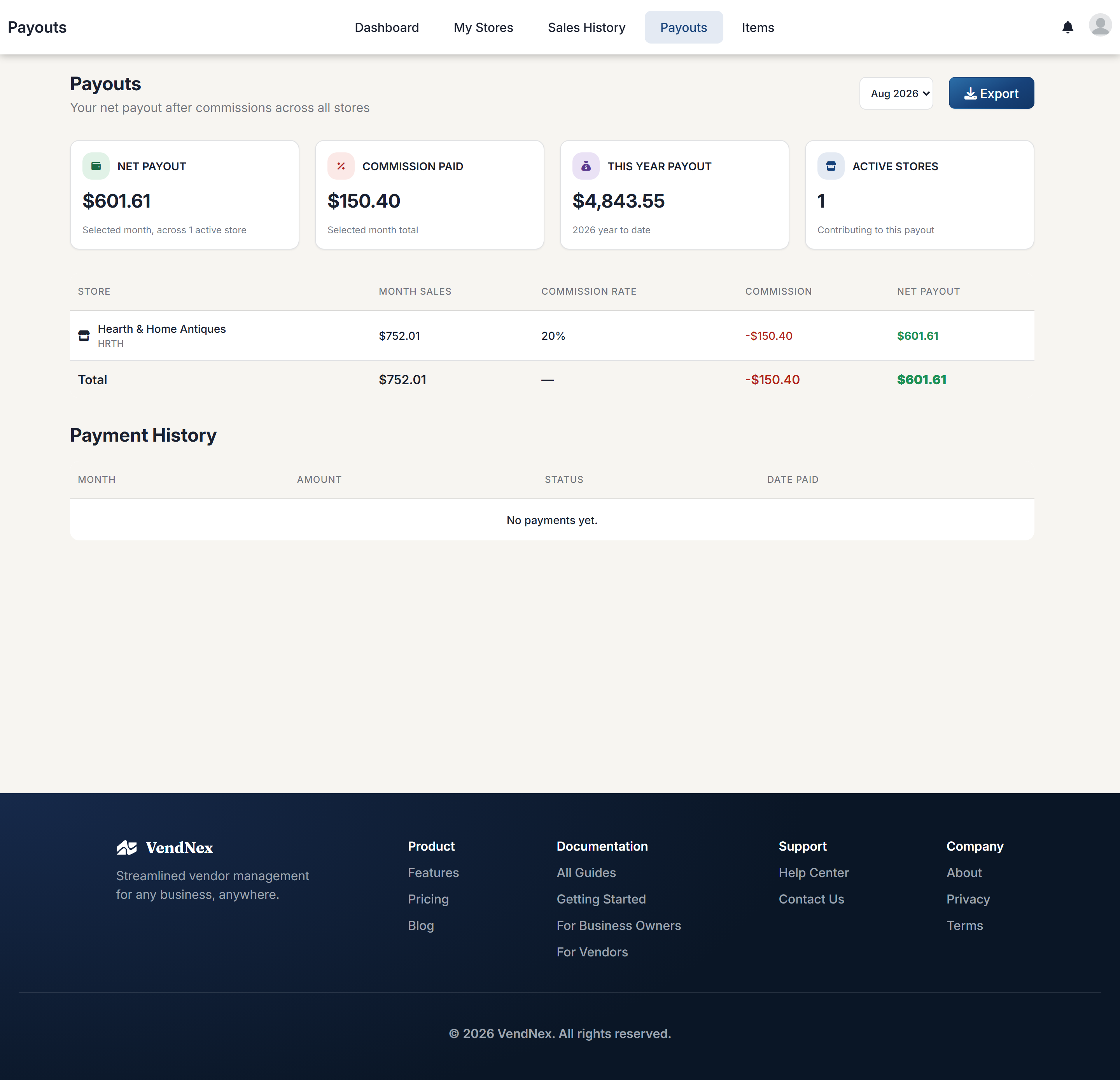
How your payout is calculated
Start with gross sales for the month, subtract the shop's commission at your agreed rate, and subtract any custom fees that shop applies to you. What's left is your net payout. If the shop passes sales tax through to its vendors, the tax collected on your items is added to your payout as well. It isn't reduced by commission or fees, and you're responsible for it.
Shops pay all their vendors together in one payment, but you only ever see your own amount. A shop can pay a month once it has ended, so the amount for the current month changes until then. Payouts under $5.00 for a month aren't sent through the platform.
The per-store table breaks this down so you can see each shop's contribution separately, along with a total.
Payment history
Below the breakdown, Payment History lists payouts that have actually been sent — month, amount, status, and date paid. If a shop pays you outside VendNex (cash or check), it may not appear here; this section tracks payments made through the platform.
Choosing a month
Use the month selector at the top right to look at past periods. Export downloads the breakdown for your records.