Inviting vendors to the portal
Give vendors their own login so they can check their sales without asking you.
Adding a vendor creates their record. Inviting them creates their login. These are separate steps on purpose — plenty of shops track vendors in VendNex without ever giving them portal access.
Sending an invitation
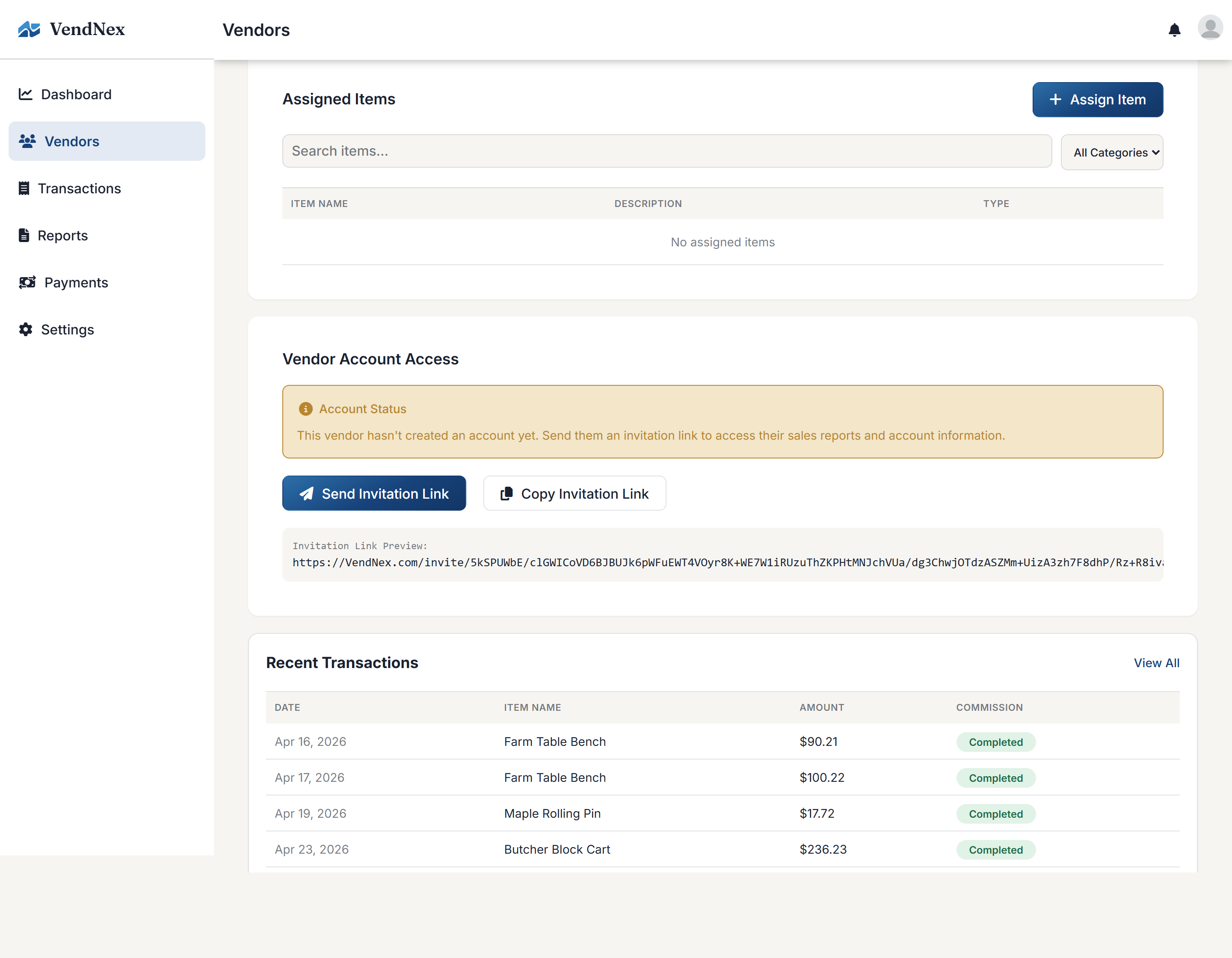
Open a vendor from the Vendors page and scroll to Vendor Account Access. If they don't have an account yet you'll see a note saying so, along with the option to send them an invitation link.
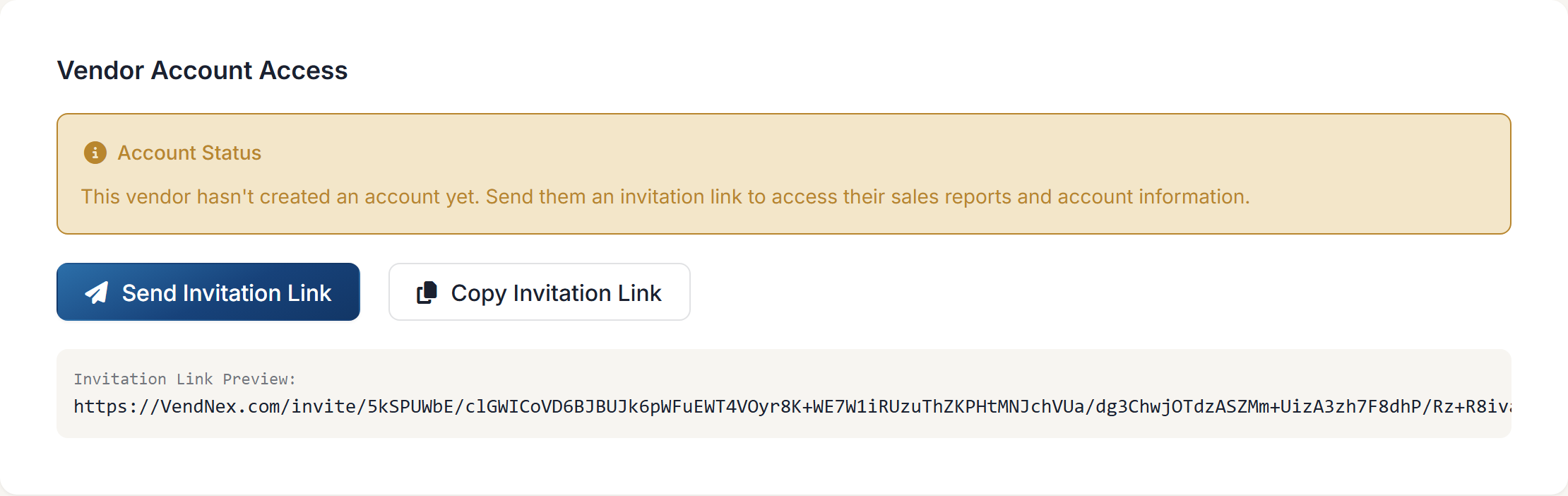
Send Invitation Link emails the link to the address on the vendor's record. Copy Invitation Link puts it on your clipboard instead, which is handy if you'd rather text it to them or hand it over in person.
What the vendor sees
The invitation takes them to a page where they set a password. After that they can sign in and see their own sales, payout totals, and assigned items — and nothing belonging to any other vendor.
Why this is worth doing
The most common support burden in a multi-vendor shop is vendors texting to ask how they did this month. The portal answers that question without involving you. It also cuts down on disputes, because the vendor can see the same itemized breakdown you can.