Adding your first vendor
Create a vendor, assign a vendor code, and set their commission rate.
A vendor in VendNex is one booth, one consignor, or one seller. Everything — sales, commission, payouts — hangs off the vendor record, so this is the first thing to set up.
Adding a vendor
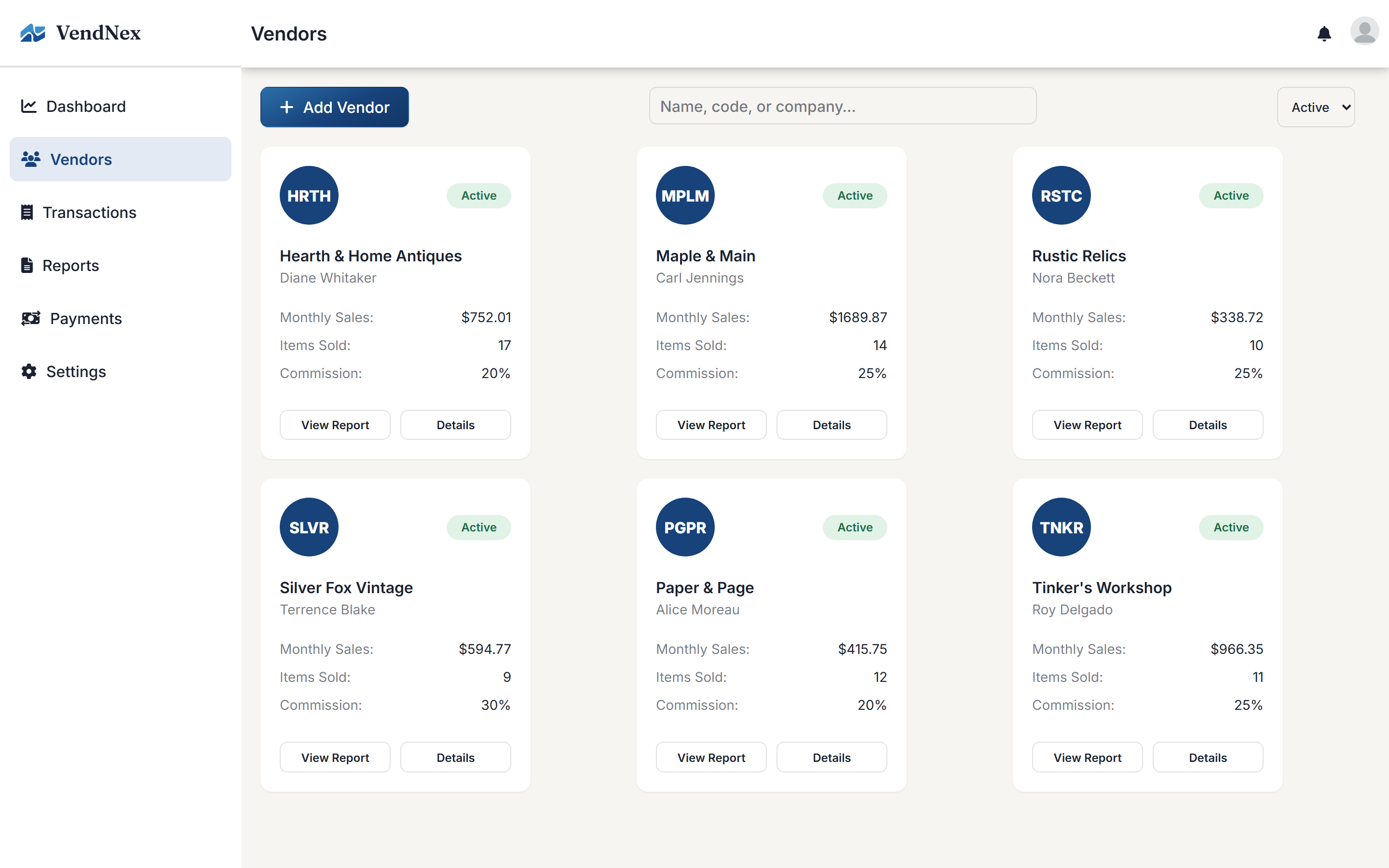
Go to Vendors and click Add Vendor. You'll be asked for:
- Vendor code — a short 4-letter code like
HRTHorMPLM - Booth name — the business name they trade under
- Contact name, email, and phone number
- Commission rate — the percentage your shop keeps
Choosing vendor codes
The vendor code is how sales get attributed, so it's worth being deliberate. Pick something you can read off a price tag quickly and won't confuse with another booth — initials of the booth name usually work well. Codes should be unique within your shop.
Commission rates
The commission rate you set here applies to that vendor specifically and overrides the shop-wide default in Settings → General. If most of your vendors are at 25% and one negotiated 20%, set the default to 25 and change the one.
Vendor limits by plan
Each plan caps how many active vendors you can have — Basic allows up to 25, Professional up to 100, and Enterprise is unlimited. Deactivated vendors don't count against the limit, so you can archive a booth that's left without losing their history.